ESP32 3D Printed Panda with Animated LCD Eyes

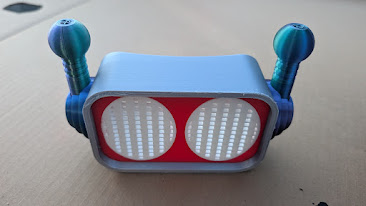
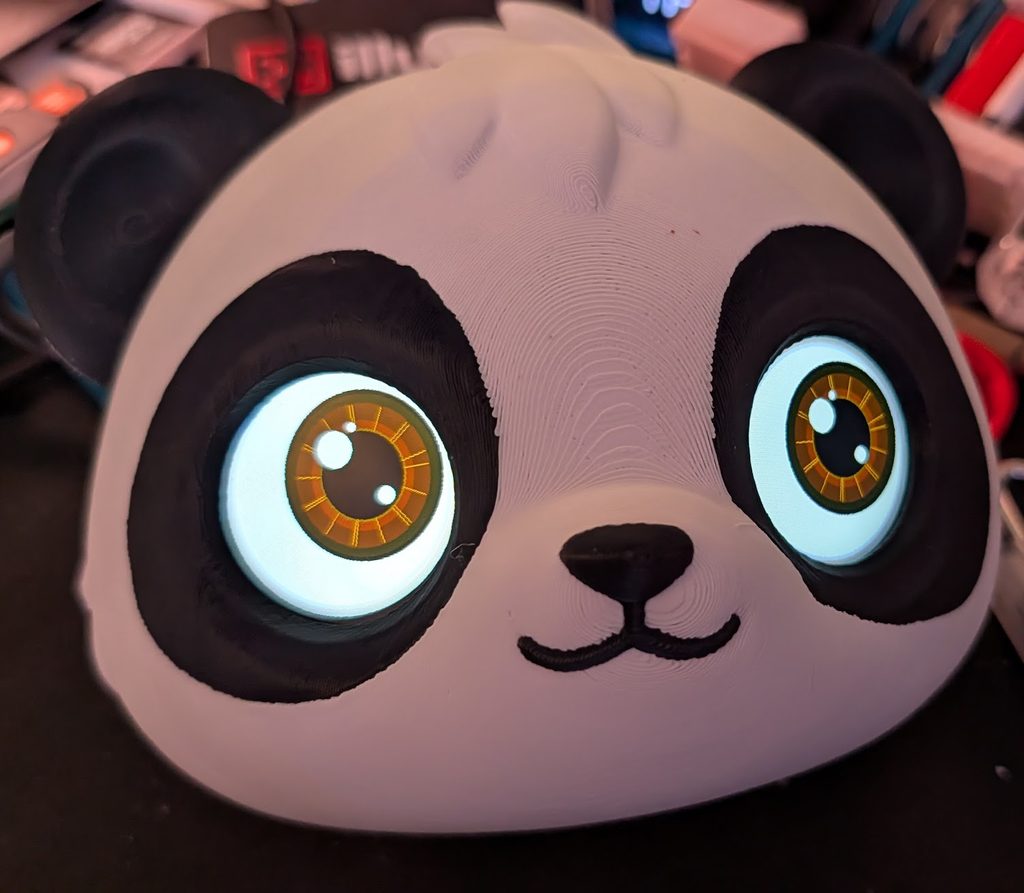
One of my recent 3D printing projects was taking a cute panda model and giving it a little personality with a pair of animated LCD eyes. The project combines 3D printing, a couple of round LCD displays, and an ESP32 microcontroller to bring the panda to life. The eyes blink, look around, and can change expressions using a simple web interface accessible from your phone.

The project is based on the Cute Panda with Animated LCD Eyes (Multicolor) model by Meuwi on MakerWorld.The original model includes the animated LCD eye concept and accompanying code. I used that as the starting point and modified the electronics and software to run on a 38-pin ESP32-WROOM development board instead of the ESP32-C3. The result is a panda with two animated round displays that can show different expressions and movements.

Hardware and Components

The electronics are relatively straightforward. The project uses an ESP32 development board connected to two GC9A01 round LCD displays. Here’s what I used:

  • ESP32-WROOM 38-pin development board: The main controller responsible for running the animations and hosting the wireless interface.
  • Two GC9A01 240×240 round LCD displays: These serve as the panda’s animated eyes.
  • LovyanGFX library: Handles display initialization and graphics rendering.
  • Optional momentary push button: Allows cycling through expressions without using a phone.

Parts List

ComponentLink
ESP32-WROOM 38-pin development boardAmazon
GC9A01 240×240 round LCD displaysAmazon

Both displays share most of their connections to the ESP32. The only independent signal is Chip Select (CS), which allows the controller to address each eye separately. The wiring is as follows:

Display SignalESP32 GPIO
VCC (Both)3.3V
GND (Both)GND
SCL (Both)GPIO 18
SDA (Both)GPIO 23
DC (Both)GPIO 21
RST (Both)GPIO 22
Left CSGPIO 5
Right CSGPIO 4

Important: The displays must be powered from 3.3V, not 5V or VIN. Both displays share the ESP32’s 3.3V and ground connections.

Also, leave GPIO 6–11, GPIO 12, and GPIO 34, 35, 36, and 39 unused for this display configuration.

Rather than having the eyes constantly display the same animation, I added a Wi-Fi-based interface that allows you to change the panda’s expression directly from your phone. Once the ESP32 boots, it creates an open wireless network named Panda. Connect your phone to that network and navigate to:

http://192.168.4.1

A simple web page loads with a selection of expressions. Choose one, and the panda immediately changes its eyes without needing to upload another Arduino sketch. Available expressions include:

  • Joy
  • In Love
  • Starstruck
  • K.O.
  • Dizzy
  • Cheerful
  • Wink
  • Sad
  • Crying
  • Angry
  • Scared
  • Excited
  • Tired
  • Suspicious
  • Curious
  • Shy

There is also a normal eyes option. Some expressions replace the eyes with symbols, while others modify the eyelids, pupils, and gaze to create different emotions. The selected expression stays active until another one is chosen.
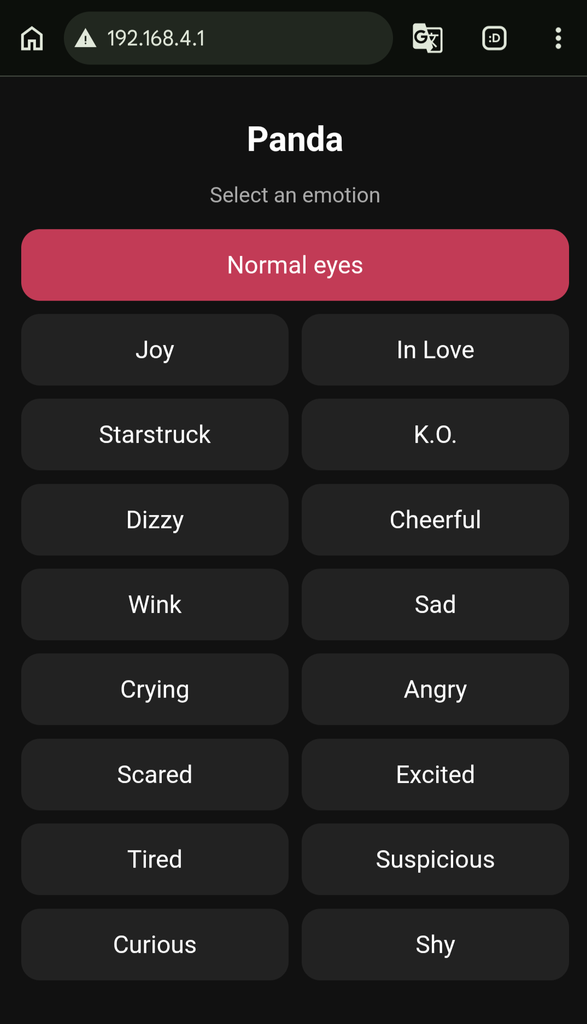
I also included support for an optional momentary push button. The button connects between GPIO 32 and GND. Pressing it cycles through the same list of expressions available through the web interface. This is optional and can be added later without changing the rest of the wiring.

The project runs using the Arduino IDE with the ESP32 board package and LovyanGFX library. The main project files are available on GitLab:

  • panda.ino – Main Arduino sketch.
  • LCD-Eye-Studio.html – Editor used to generate the original eye artwork.
  • Panda_LCD_Eyes_Guide.pdf – Guide accompanying the original studio export.

To get started:

  1. Install the ESP32 board package in Arduino IDE.
  2. Install the LovyanGFX library.
  3. Open panda.ino.
  4. Select ESP32 Dev Module as the board.
  5. Upload the sketch.

On startup, the displays perform a wiring test with different colored backgrounds and orientation markers. This makes it easier to identify display rotation or wiring issues before running the animations. I’ve published the project source code on GitLab so anyone interested can check it out, modify it, or use it as a starting point for their own build.

GitLab Repository: https://gitlab.com/illwill/panda The repository includes the Arduino sketch, the original eye editor, and additional project documentation.

This was a fun little project combining 3D printing, electronics, and programming. I particularly like the ability to change the panda’s expressions from a phone instead of having to reprogram the ESP32 every time I want a different look.

Using the ESP32-WROOM also leaves room for additional functionality down the road. It’s a good example of how you can take an existing 3D model and turn it into something a little more interactive with inexpensive hardware and some custom code.
Getting Back Into 3D Printing

It’s been a long time since I’ve really spent any time with 3D printing. Back around 10 years ago, when I was involved with my old hackerspace I was a co-founder of, NESIT (New England Society of Innovative Technology), 3D printing was one of those technologies that was exciting to experiment with, but it still felt like a fairly niche hobby. Fast forward about a decade, and things have changed quite a bit.

One of the biggest reasons I decided to get back into 3D printing is how inexpensive the hardware has become. You can now pick up a capable 3D printer for a fraction of what some of the older machines cost. I recently picked up a Flashforge AD5X for around $230 shipped through AliExpress, which made it pretty hard to justify not getting back into the hobby.The technology has also come a long way. Printers are more accessible, setup is easier, and multi-color printing opens up a lot of possibilities that would have required considerably more work in the past.
Another thing is how much better the online 3D modeling communities and repositories have become. Sites like Maker World make it incredibly easy to discover, download, and print designs created by other people. There are some seriously impressive projects available, ranging from practical household accessories and replacement parts to detailed collectibles, toys, gadgets, and just downright cool designs. It’s also interesting to see how much the community has evolved. Instead of having to design everything yourself or spend hours searching for usable models, there is now an enormous library of designs available at your fingertips.

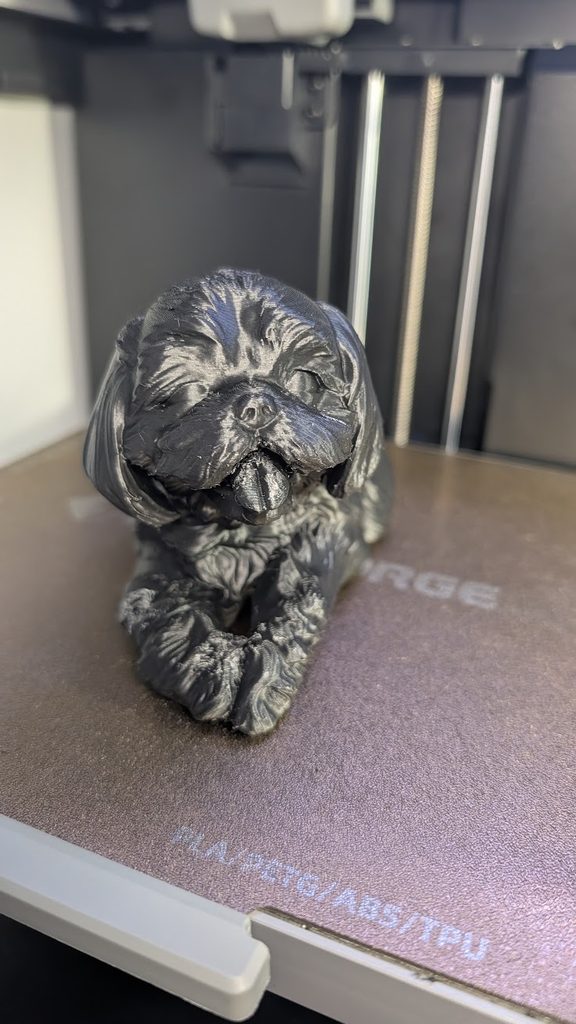
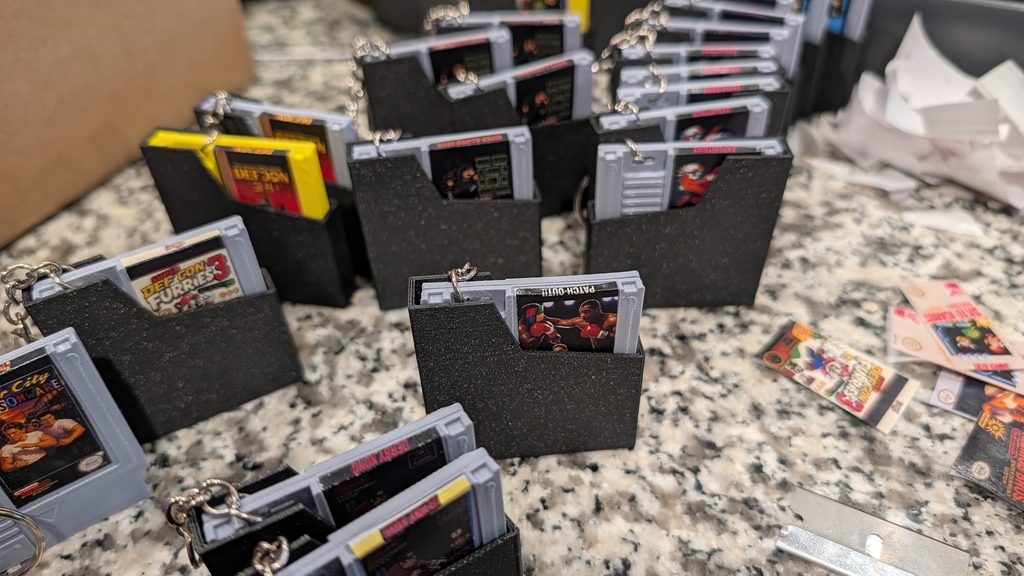
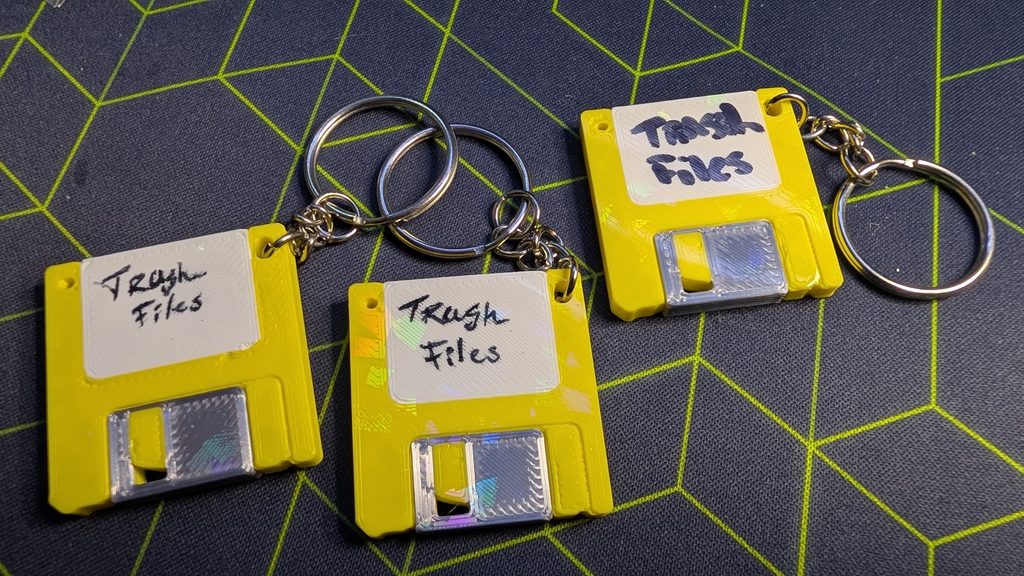
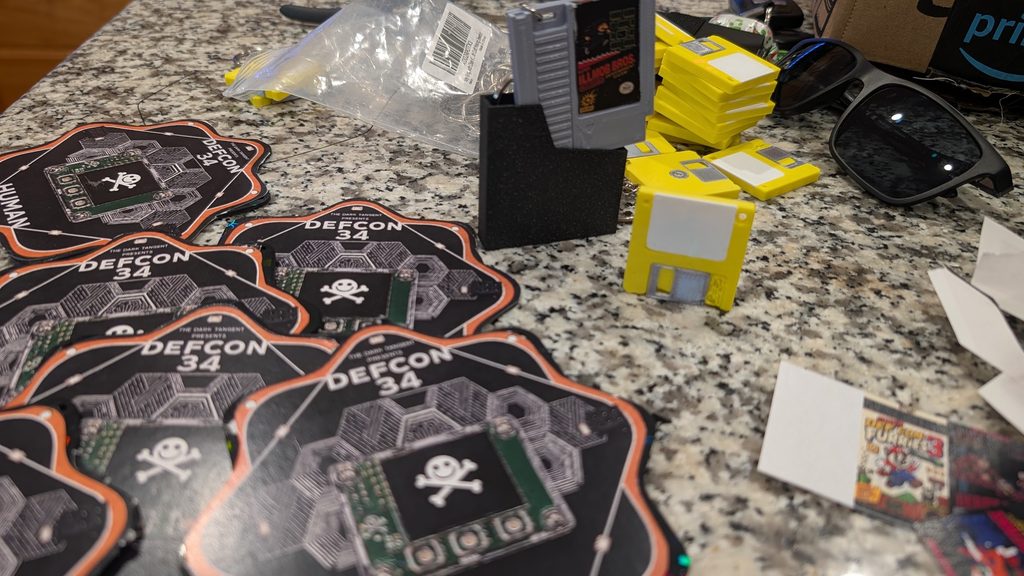
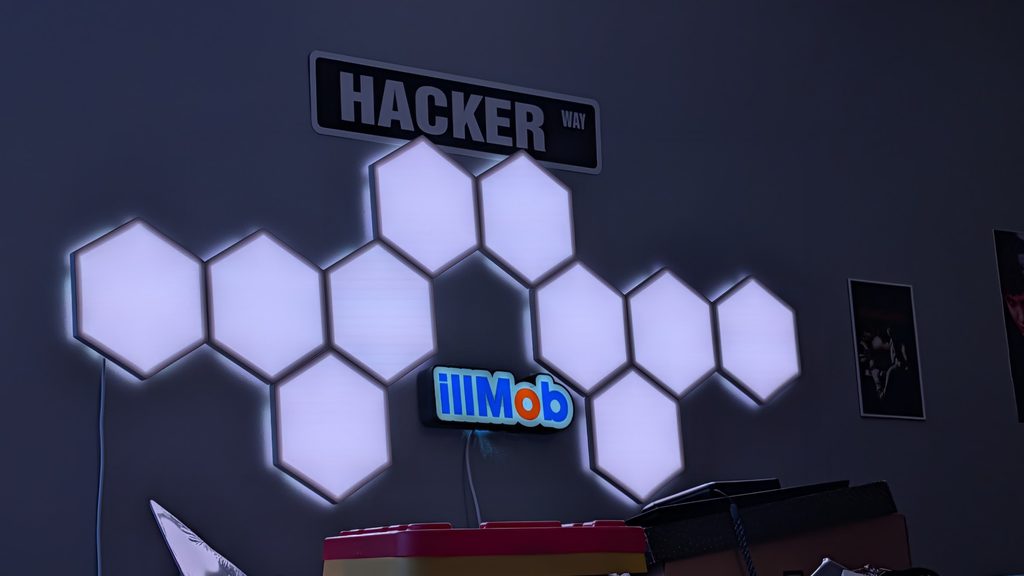
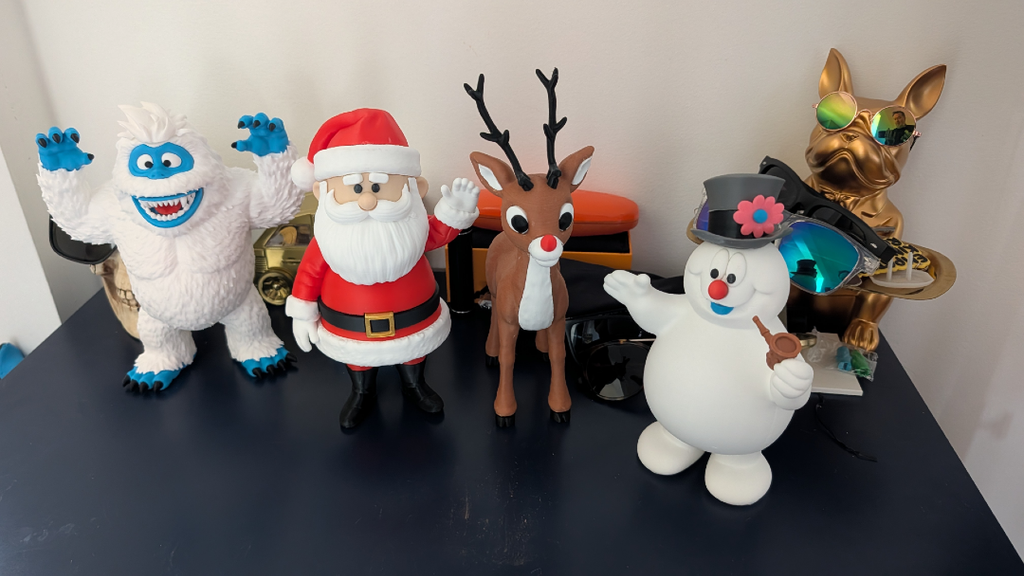
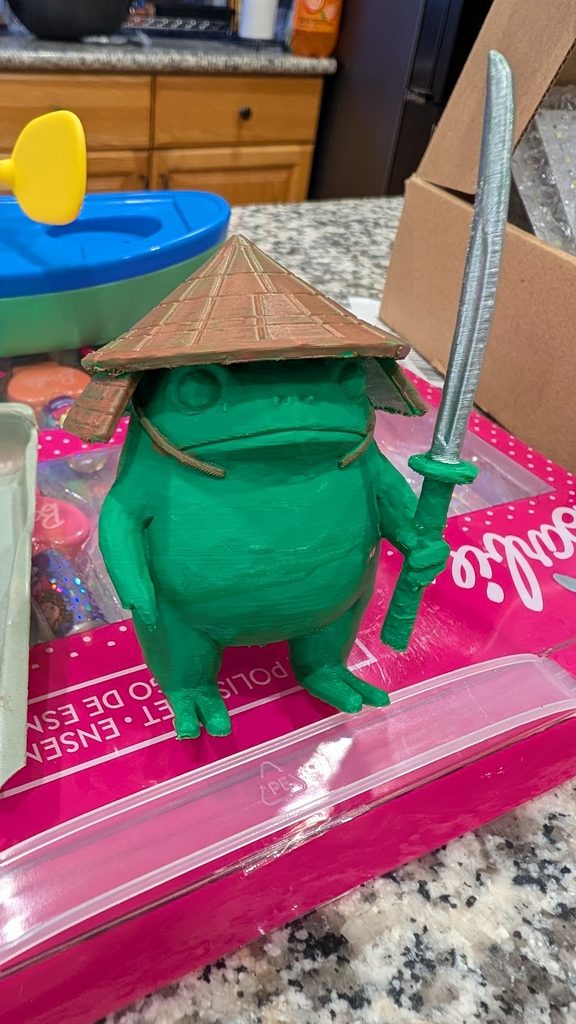
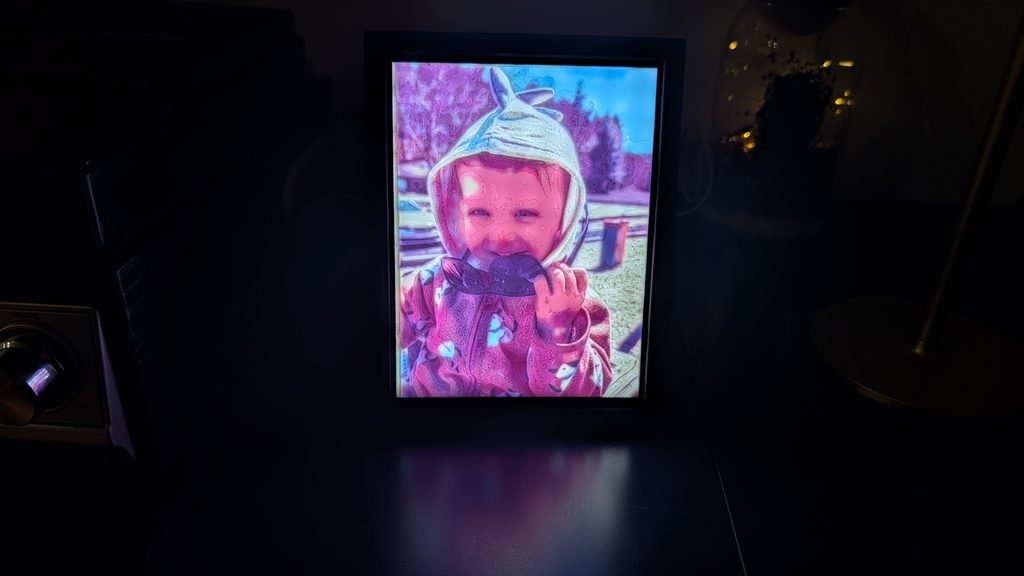
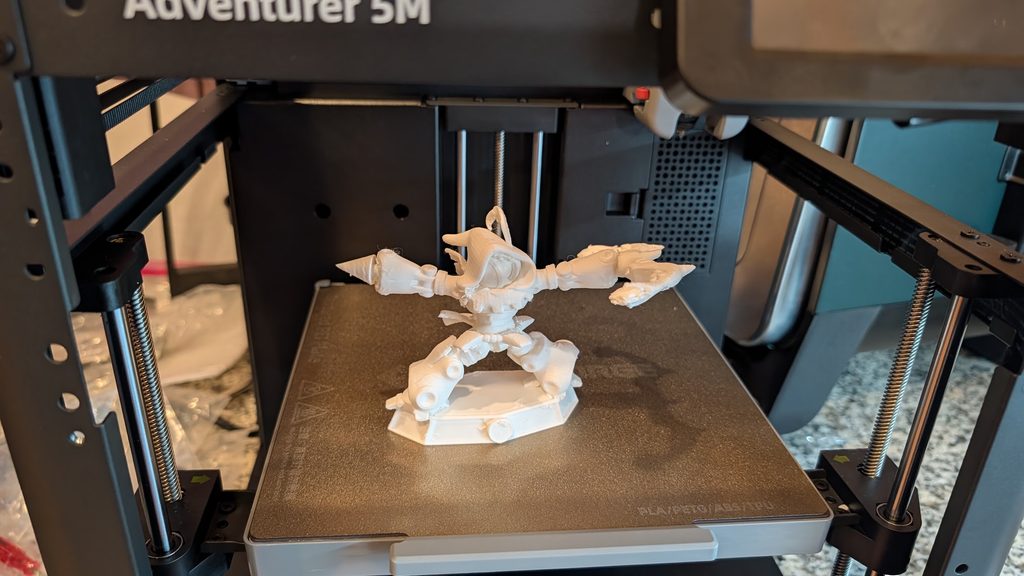
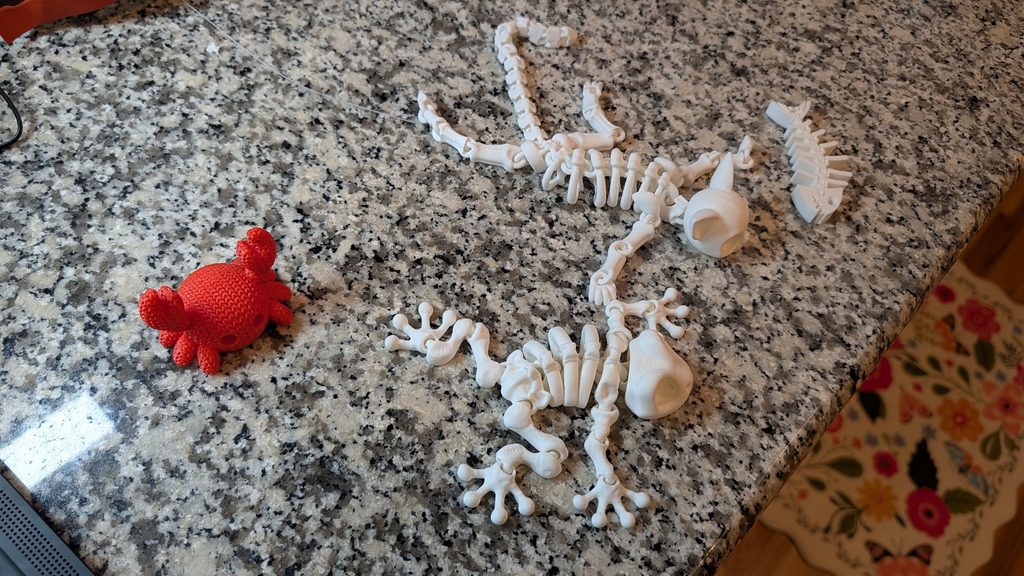
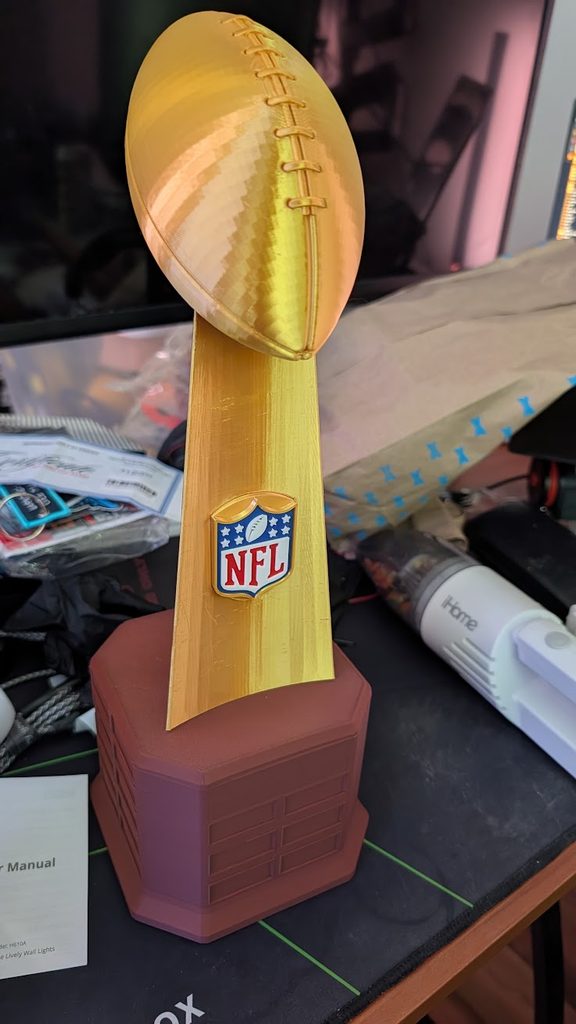
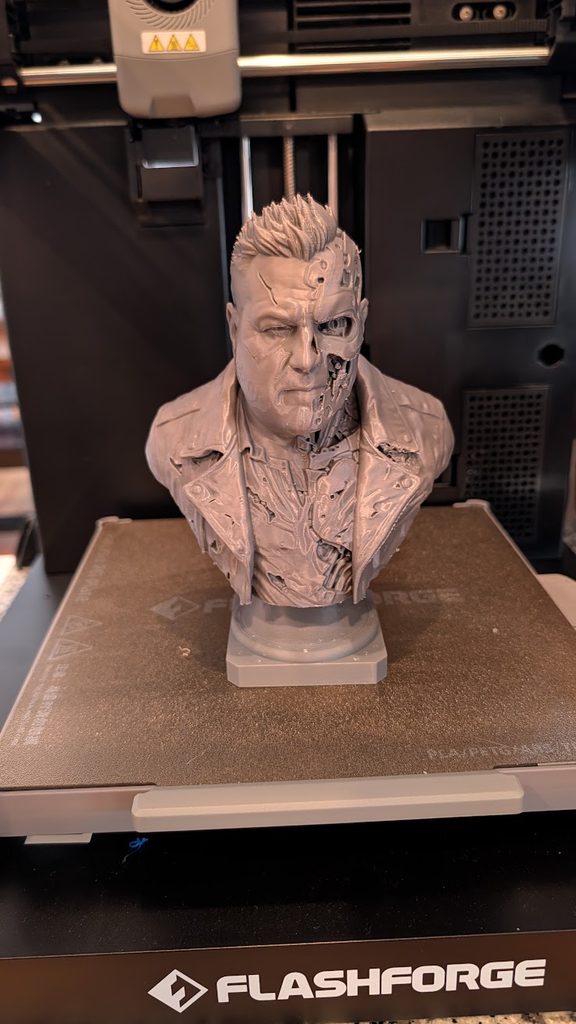
Here’s gallery showing some of the newer designs I’ve done. The latest being the panda that I’ve combined with a ESP32-WROOM module to control its LCD eyes. Other are fidget clickers, lithographs, glow in the dark designs, NFC Nintendo carts and floppy keychains that open website URLs when you tap them to your phone.

Tastes like a penny

Have you ever heard of Home Depot penny items? If you’re into bargain hunting, clearance deals, or finding products for a fraction of their original price, this is something worth knowing about. Occasionally, products at Home Depot reach the end of their clearance cycle and are assigned a price of just $0.01 in the store’s inventory system. These are commonly referred to as penny items. But there’s a catch: these aren’t necessarily advertised clearance deals or promotions intended for customers.

Penny items are products that have reached a particular stage in the retailer’s inventory or clearance process. In some cases, these products are supposed to be pulled from store shelves and may be designated for return to the vendor, disposal, or other inventory handling procedures. However, sometimes products remain on shelves even after their status changes in the inventory system. That’s where things get interesting A product that was originally worth several dollars, or even significantly more, may show up with a one-cent price in the system. Finding one isn’t necessarily easy, and pricing and store policies can vary.

Finding these items can involve a combination of research, product identification, clearance tracking, and checking information across multiple sources. Rather than manually browsing individual listings and hoping to get lucky, I decided to take a more technical approach.

I put together this Python script that scrapes several websites and cross-references product information to help identify potential penny items. It then exports the results to both a HTML file and a Excel spreadsheet. The idea is to collect product data from multiple sources, correlate matching listings, and narrow down potential deals worth investigating. Some of the things this approach helps with include:

  • Collecting product information from multiple websites.
  • Comparing product listings across different sources.
  • Correlating product identifiers and matching products.
  • Identifying potential clearance opportunities.
  • Reducing the amount of manual searching required.

The script does the heavy lifting helping you figure out how to identify potential opportunities before spending hours walking through stores or manually searching websites with a billion pop-ups. For my friends in CT I’ve got the html here https://willgenovese.com/penny ill try to update weekly that lists Connecticut ones first. There are no guarantees that a product listed at a penny will actually be available for purchase at that price. Inventory status, store-level pricing, and retailer policies can all affect the outcome.

Happy hunting!

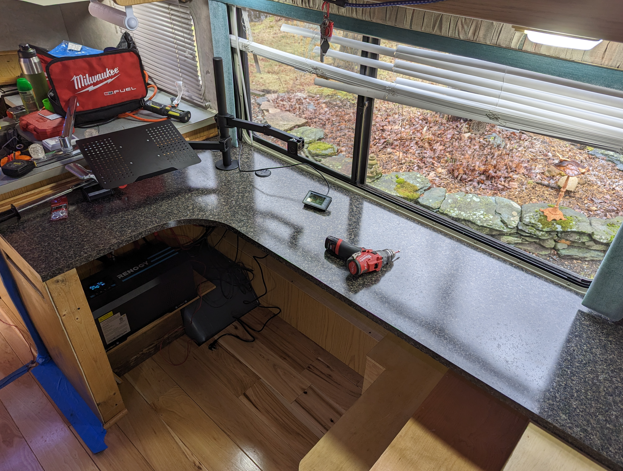
RV Project Part 3

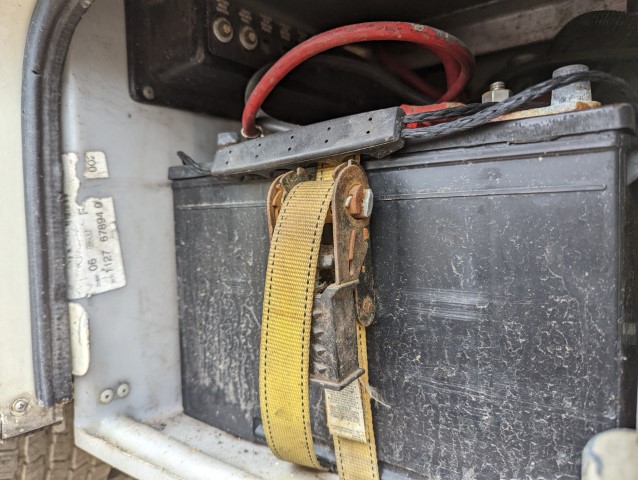
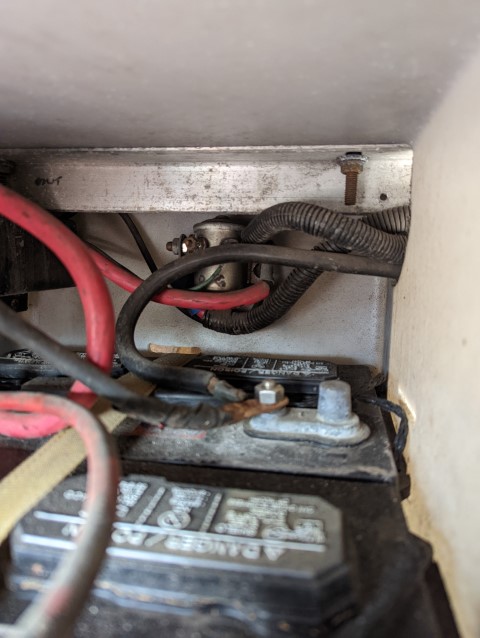
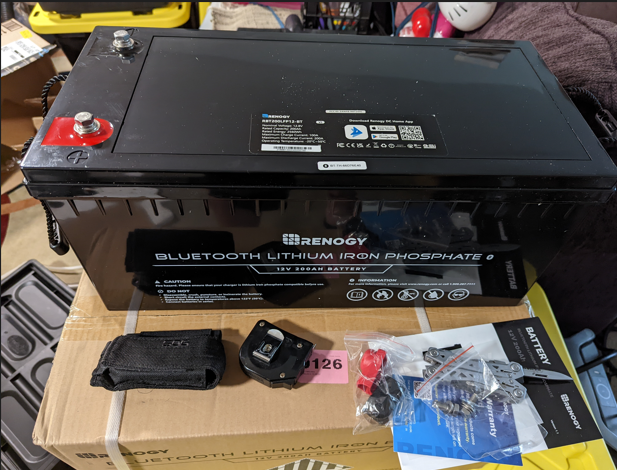
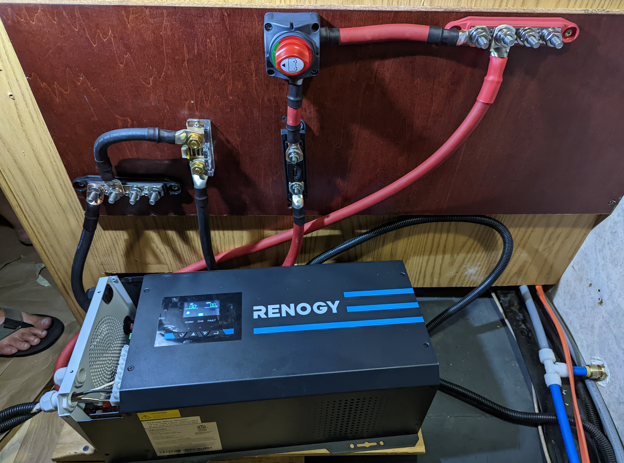
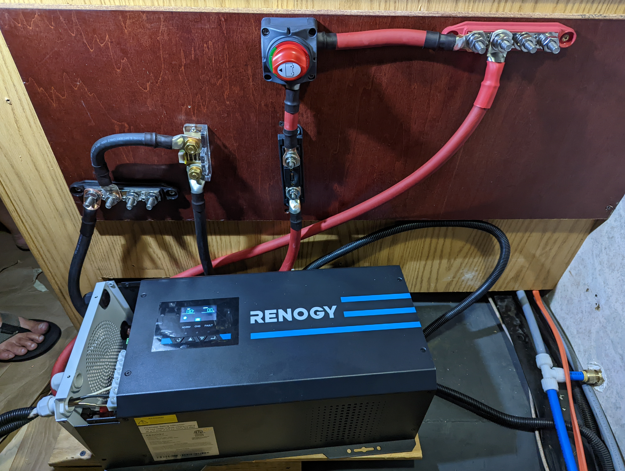
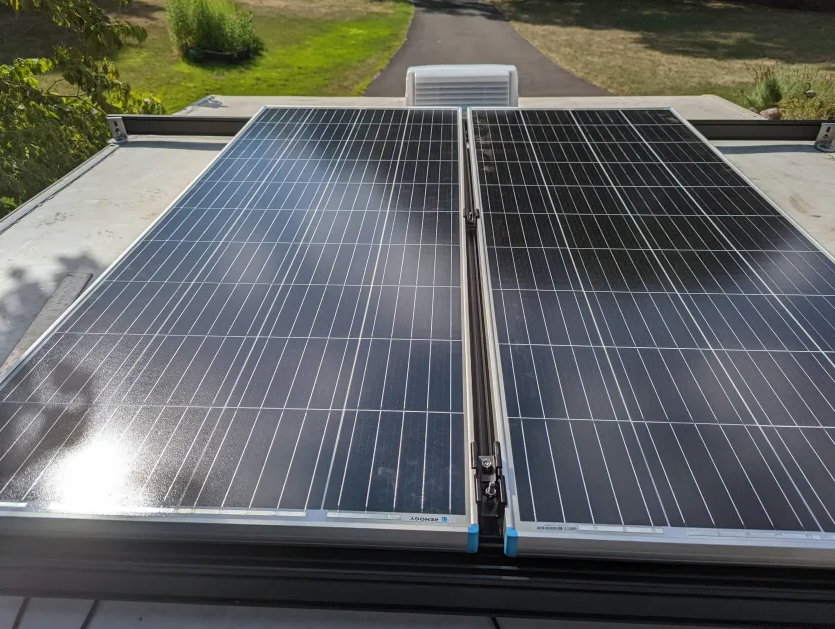
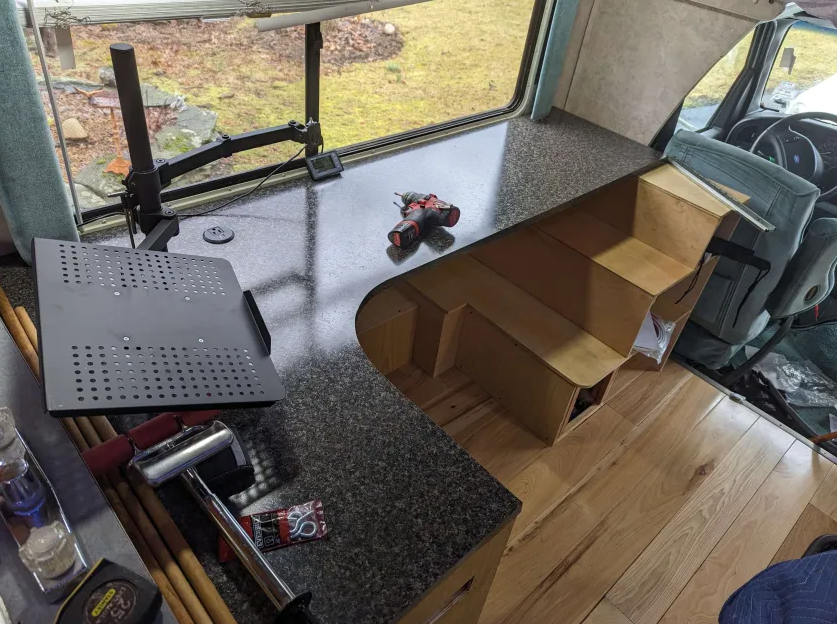
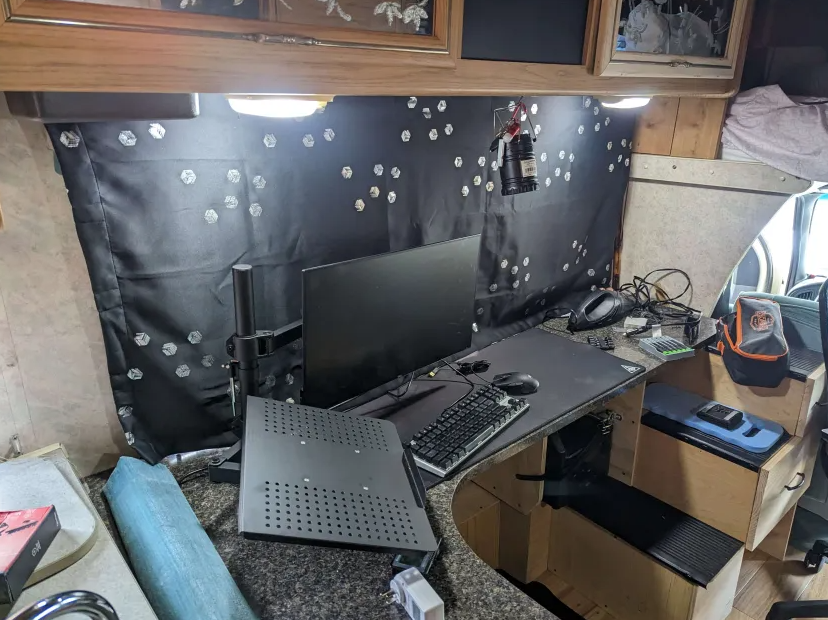
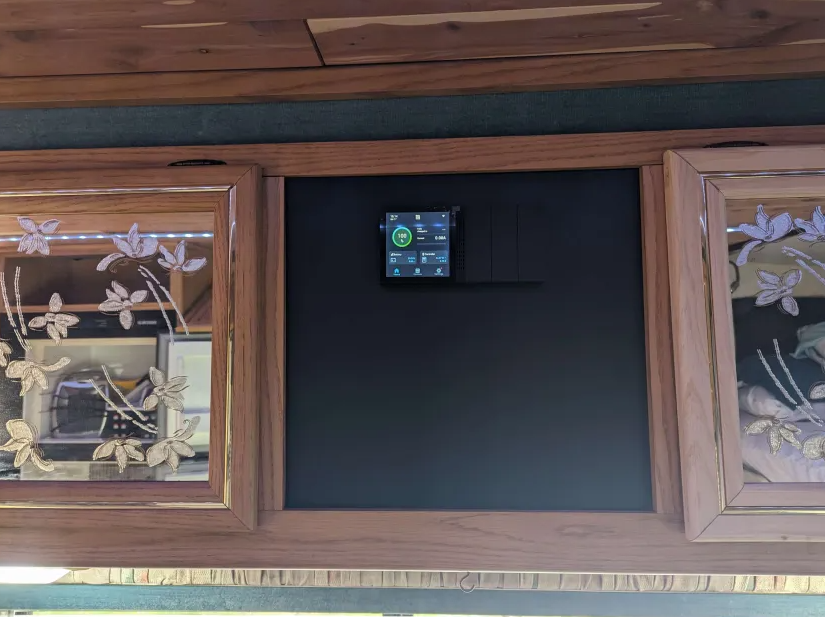
Sorry for the extended break , got super busy with work etc.. so here’s part 3 installing the solar after we got the roof back together. The OG house batteries were worthless for what I wanted to do , additionally the bay they were in wouldn’t fit newer LIPO4 batteries.

Ended up going with Renogy products because they have decent enough equipment and they had a good sale going on at the time, I think roughly cost about $4500 for all the equipment, wiring, tools etc…

4x200watts of solar for 800watts total
2x200AH batteries for 400 AH total
3000 watt inverter/charger
60 amp solar charger
The RV also has a built in 1000w generator that runs off the gas tank and a propane tank to do heating, hot water, and runs the fridge. Coupled with a 30 gallon water tank and Starlink & T-Mobile MiFi for internet I can stay off grid for a bit without needing to use hookups. So far in the few years I’ve had this, I made it to Florida/Florida Keys and back to Connecticut 3 times, Tennessee and back, CT to Mt. Detroit/Rushmore/Yellowstone/Vegas/Area51/Grand Canyon and back on Rt 66 for 3 weeks. No major issues so far for less than $10k for the whole project from start to finish.

Kali 11 yrs

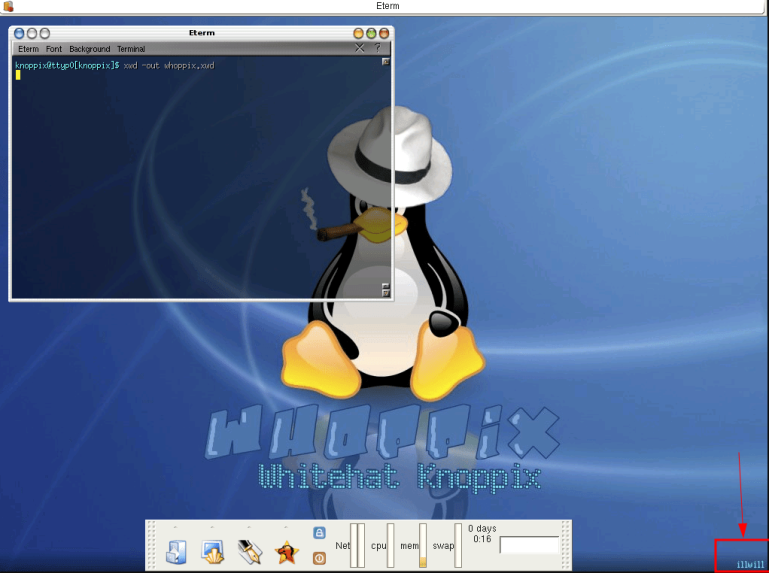
Looking back to last year’s post https://www.kali.org/blog/10-years/ going over the history of the Kali pentesting distro I noticed that they still had the screenshots from the desktop background image (check the bottom right) I made when I was part of the original IRC group on irc.unixgods.net that started from muts’ (Mati Aharoni) old website, whitehat.co.il site. I originally found muts from an article he wrote My meanest hack in early 2004. It started out with Whoppix based off the Knoppix live CD then Whax based off the live Slax CD. Though I didn’t take the OSCP test until 2015, it’s crazy to think that 20+yrs later I’m still playing around on the distro for work and for fun (hackthebox), and finally making money fulltime from a hobby that I love.

RV Project Part 2

So now it was time to remove the whole roof. I had NFI how to repair a regular roof let alone an RV roof. Luckily my Uncle was a little more handy than me. We started by pulling off the side rails then just straight ripping off the Luan/insulation completely from the bathroom wall to the front overcab bed. This paint scraper was a life safer in removing the old aluminum roof, wood, glue, and nails. Roughly about a 8’x13′ area was ripped out, we had to also remove the angle brackets holding the cabinets to the ceiling, the old TV antenna, and also remove the fridge vent and bathroom fan.

We had to go with thinner insulation to accommodate the thicker wood but had to make sure we didn’t go over the height of the original sidewalls so we could get the siderails back on afterword, which we actually trashed the broken side because it was damaged from the tree. Not realizing that the rails were not really a standard sizing. Also would have cost a lot in shipping if Winnebago actually had replacements. I ended up finding a smaller curved piece at a local RV dealership and used a hot air gun to kind of bend it back straight. I also fiberglassed the side damage and a hole in the front area near the running lights that the tree limbs caused. After getting all the new plywood down and cutting holes for the fans, vents, and pipes we spread all the glue down then used a roller to roll out the PVC replacement roof from classacustoms.com.

Then we reinstalled the original bathroom fan , added a new fan above the over-cab bed, and a new fridge vent cover, plumbing vents, and radio antenna. Everything got sealed with Eternabond tape and Dicor self-leveling lap sealant.

Then it was time to work on the ceiling. I ended up choosing some cedar wood from Home Depot because it smells good, naturally resists mildew, odors and repels some bugs. I also put in some aluminum channels and multi-color LED lighting to keep the power usage down since I was planning to install solar at some point. Originally I was going to put in recessed lights but it would have bee a pain in the ass to do all the wiring and holes, and for some reason when I was testing the recessed lights with the generator they were blinking off and on. So stuck with the LED lights and multicolor so I can change colors to whatever mood. (Update: I recently replaced the LEDS strips with different ones because they ended up having color match issues on each side, so now its one complete strip going around.)

RV Project Part 1

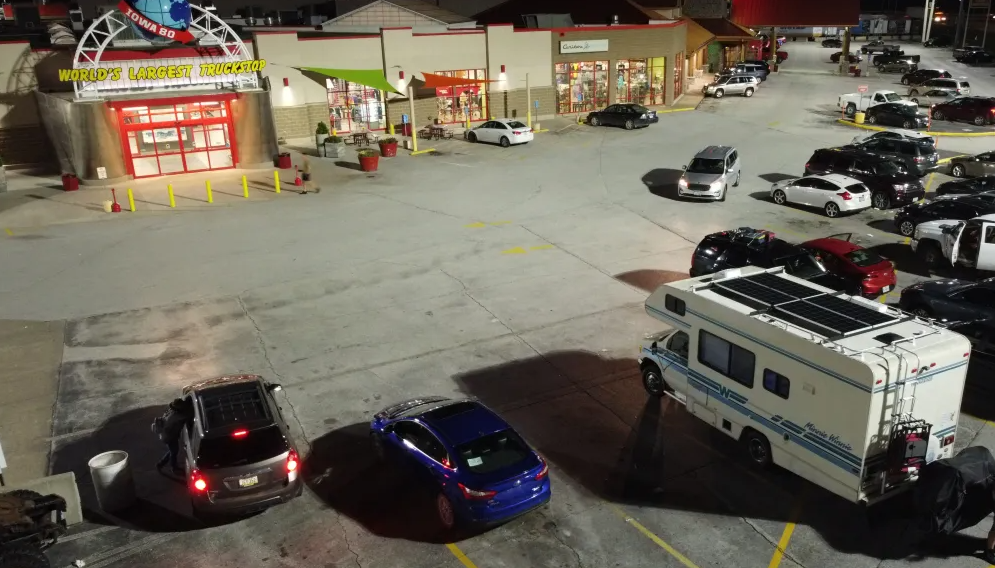
I got this 1994 Winnebago ‘Minnie Winnie’ 421RB (Ford E350 cutaway van bodystyle) from a car auction for $1200 in August 2021. I was looking around for RVs/Vans that I could convert into a remote work-from-home office. My dad decided to jump the gun and bid on it without telling me, it was a WTF moment when I first saw the pics on the auction site, but eventually decided I was up for the challenge. It had some good things like a built in generator, 90k miles. I ended up finding the original owner and found that he had bought it for 13k in 2008 and in Summer 2021 a thunderstorm knocked a tree down in his yard and it fell onto the RV (insurance company gave him 20k). As you can see from the pics it fell through the roof , crushing the AC unit. It also poked a hole near the front antenna mount, and part of the tree limb knocked out the plumbing, you can see the small hole by the left rear wheel well ( oddly perfect hit to knock out the plumbing/drainage pipe).

The biggest problem is that it sat for about a month in the previous owners driveway until the insurance company could come out and look at it due to COVID etc, then it say another month in the auction lot until it was auctioned. There was significant water damage in the ceiling and floor due to other rainstorms also dumping water in there for those 2 months.

So the game plan was somehow fix the holes in the roof originally. But come to find out first that the roof consisted of a layer of thin aluminum, which i could not figure out where to source anywhere. Coupled with the fact the more i looked into it that the water damage was too much because Winnebago uses very thin Luan plywood panels glued to foam insulation and all that wood was pretty much rotted because Luan is relatively inexpensive and easy to work with, but it is not very durable or resistant to moisture.

I started doing a lot of research on RV restoration/remodeling and came across an awesome resource on YouTube from AZExpert. His video were tremendously helpful in seeing what the insides of RV roofs looked like and how to fix/replace them. So after calling numerous places for 8×13 aluminum rolls with no luck, I decided I would go with an alternative. After searching around I found a really good price on a PVC kit from classacustoms.com for $189. Stay tuned for ripping apart the roof in Part 2…

HTB Oopsie

Continuing the Intro boxes with my local infosec group the second box on the list is Oopsie. It’s listed as an Easy box, but for some people starting out that aren’t familiar with webapps they could get lost, especially figuring out the initial login foothold. It’s IP is 10.10.10.28 and you need the login pack for OpenVPN to reach it, you cant reach it with your normal one.

Continue reading →

HTB Archetype

So I’m going to probably post my HackTheBox solutions here so I have somewhere I can look at them in case I’m not home etc.. I sometimes refer back to my notes when I am with clients so I don’t have to reinvent the wheel to solve the same problem, so it would be nice to have them accessible anywhere.

I am going to start off with Archetype, which is an intro box for beginners that I did with my local tech group to help walk them through learning the concepts behind penetration testing.

Continue reading →